
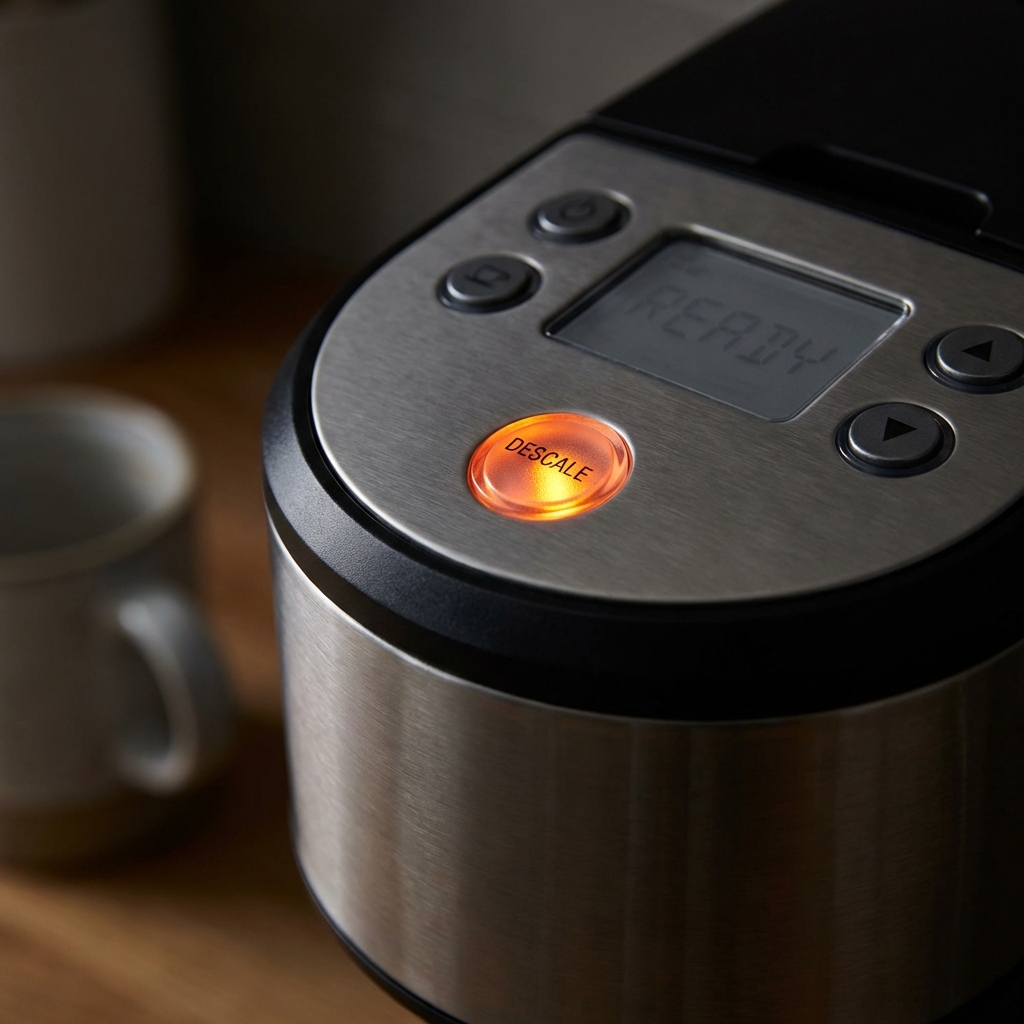
Is your Keurig blinking, leaking, or refusing to brew? Don’t throw it out yet.
Most Keurig problems—from the dreaded “Descale” light to a machine that won’t turn on—can be fixed in under 10 minutes with zero tools. This guide covers 90% of the issues we see with Keurig K-Elite, K-Classic, K-Supreme, and K-Mini models.
⚡ Quick Fix Menu (Jump to your problem)
| Symptom | Probable Cause | The 1-Minute Fix |
|---|---|---|
| Won’t Brew / Pumping Sound | Clogged Needle | Paperclip Trick |
| “Descale” Light Stays On | Sensor “Loop” | The Power-Down Reset |
| Blinking All Lights | Air Lock / Overheat | The “Spank” Method |
| Leaking Water | Valve Debris | Re-seat Reservoir |
| Coffee Tastes Burnt | Oil Buildup | Vinegar Flush |
Fix #1: The Paperclip Trick (Not Brewing / Short Cup)
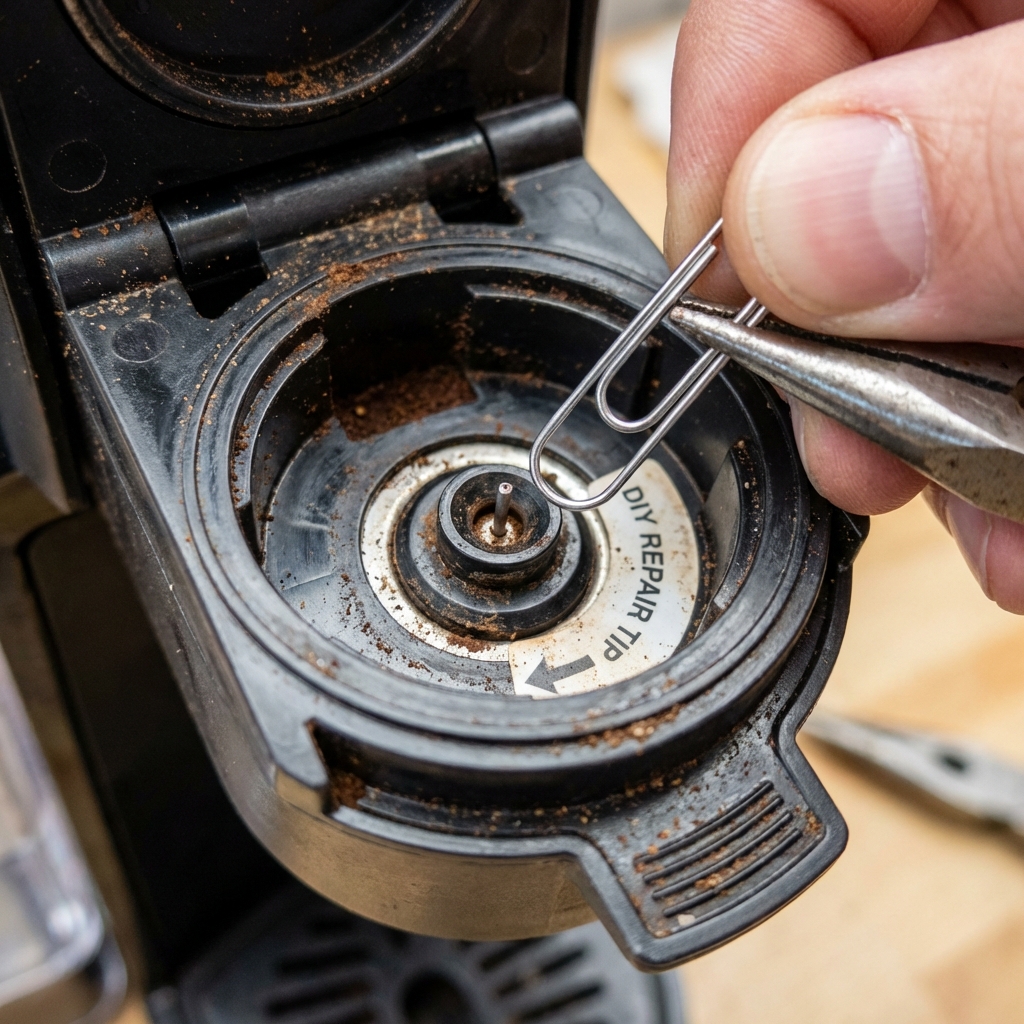
Symptoms: The machine makes a noise like it’s trying to brew, but only a few drops come out. Or, it shuts off mid-brew. The Cause: Coffee grounds act like cement. They get stuck in the tiny Exit Needle (bottom) or Entrance Needle (top).
How to fix it:
- Unplug the machine.
- Open the head and look for the sharp metal needle that punctures the K-Cup.
- Straighten out a standard paperclip.
- Gently insert the paperclip into the needle holes and wiggle it around to dislodge the gunk.
- Run a Water Cycle: Plug it back in and run a brew with NO pod to flush out the debris.
Pro Tip: If you have a Keurig 2.0 (with the orange carafe pod compatibility), check the top needle specifically. It clogs easier than older models.
Fix #2: “Descale” Light Won’t Turn Off
Symptoms: You just spent an hour cleaning and descaling your machine, but that annoying orange light is still on. The Cause: The sensor didn’t register that the water tank emptied completely during the cycle.
How to reset it:
- The “Cheat” Reset: Unplug the machine. Remove the water reservoir. Wait 15 minutes. Plug it back in.
- The Official Reset (K-Supreme / K-Elite):
- Turn machine OFF (keep plugged in).
- Hold down the 8oz and 10oz buttons together for 3-5 seconds.
- The light should flash or turn solid.
- Press the BREW button to confirm reset.
Fix #3: Water Reservoir Issues (Blinking Lights)
Symptoms: Blue “Add Water” light flashes even when full. Machine hums but no water moves. The Cause: Air bubbles are trapped in the pump lines (“Vapor Lock”), or the magnetic float is stuck.
The Solutions:
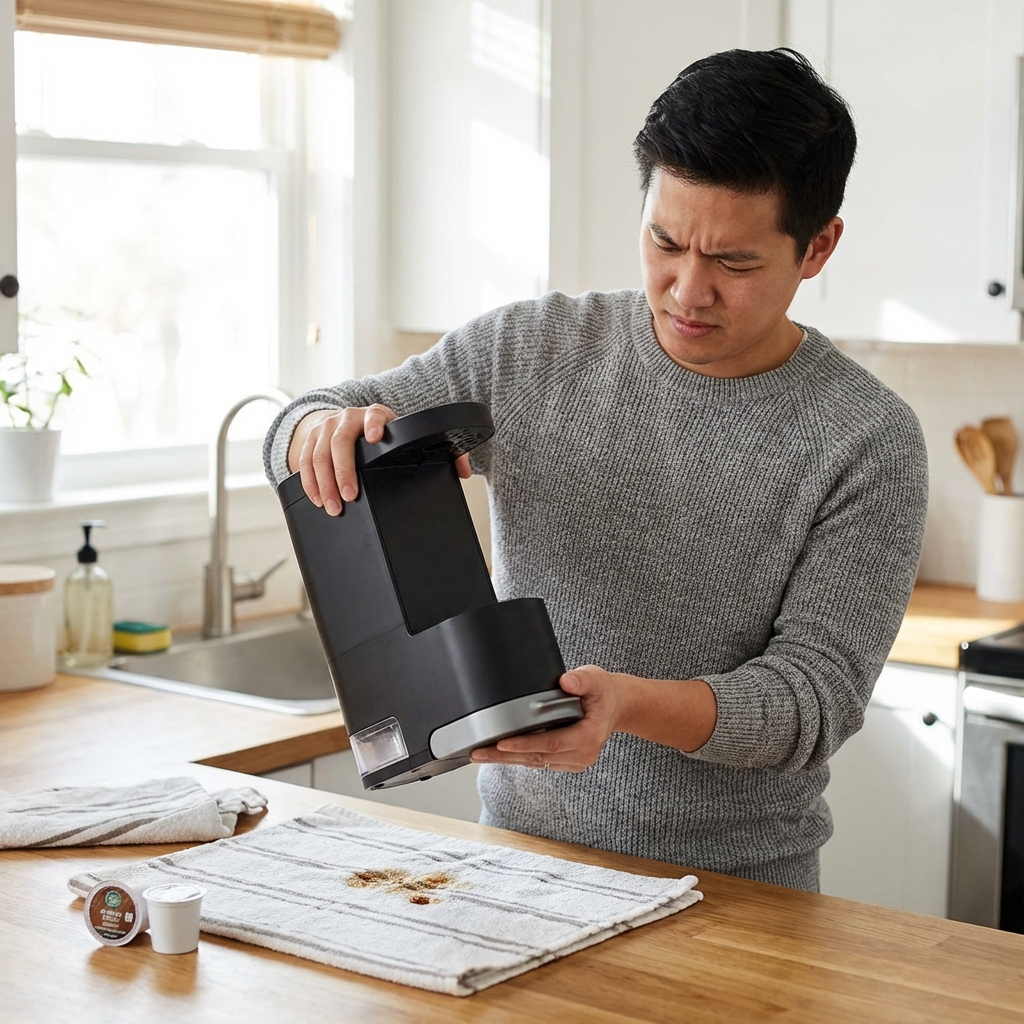
- The “Spank” Method: (Yes, really). Unplug the machine. Remove the water tank. Turn the machine upside down and give the bottom a few firm taps with your hand. This dislodges air bubbles trapped in the tubes.
- Check the Float: Look at the water tank. There is a small magnetic disc in a channel on the side. If it’s stuck at the bottom, the machine thinks it’s empty. Shake the tank to free it.
Fix #4: Keurig Won’t Turn On (Dead Machine)
- Check the Outlet: Test with a phone charger first.
- Thermal Switch Trip: If you brewed many cups back-to-back, the internal thermal fuse might have tripped to prevent fire. Unplug and let it cool for 30-45 minutes.
- Reset: Unplug -> Remove Tank -> Wait 10m -> Plug In -> Replace Tank.
Maintenance: How to Descale Correctly
Do this every 3-6 months to prevent 90% of these error codes.
- Empty the water reservoir.
- Fill with a mix of 50% White Vinegar and 50% Water (or Keurig Descaling Solution).
- Brew large cups (no pod inserted) until the “Add Water” light turns on.
- dump the hot vinegar water in the sink.
- Rinse: Fill reservoir with FRESH water and brew until empty again to flush the taste.
Still Broken?
If these fixes didn’t work, your pump motor might be dead.
- Warranty Check: Most Keurigs have a 1-year warranty. Call 1-866-901-BREW (2739).
- Replacement: If it’s out of warranty, check out our guide on [Best Keurig Replacements for 2026].